Think through a difficult prompt
Explain the context, constraints, and edge cases out loud. Choose a transformation to remove the verbal scaffolding, then inspect the prompt before sending.
Voice dictation for developers
Hold one hotkey in your editor, terminal, browser, or AI app. Speak the rough thought; Koe turns it into text you can use.
macOS 12+ · Apple Silicon and Intel · No account required to start
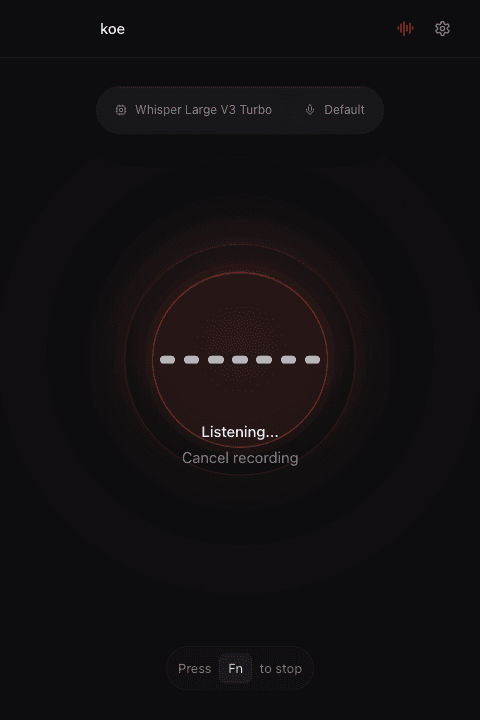
One shortcut, fewer context switches
Koe works through the active text field. There is no editor plugin to learn and no transcript window to shuttle text out of.
Explain the context, constraints, and edge cases out loud. Choose a transformation to remove the verbal scaffolding, then inspect the prompt before sending.
Dictate what failed, what you tried, and what changed while the details are fresh. Keep it raw or turn it into a structured handoff.
Draft PR descriptions, issue updates, release notes, comments, and documentation without leaving the app where the work is happening.
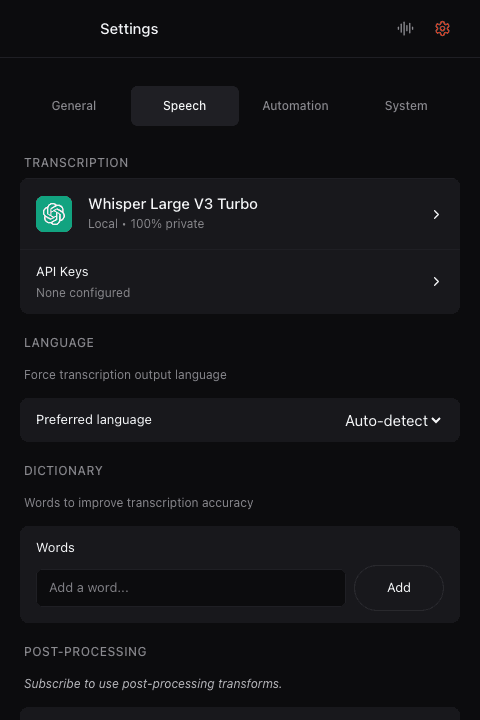
Your vocabulary, not generic vocabulary
Add the words your work depends on to the custom dictionary: package names, internal tools, APIs, people, and domain language.
When paste is only step one
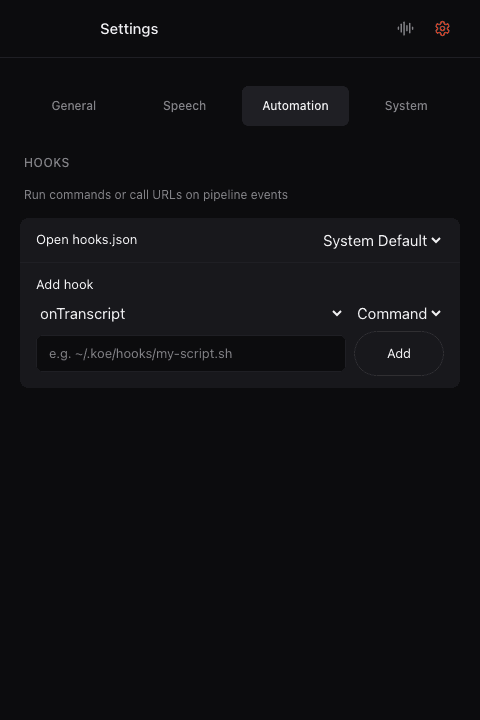
Voice Actions can run a local shell command or call an HTTP webhook after transcription. Keep the default paste workflow, or connect speech to a tool you already control.
Choose the processing path
Audio stays on your Mac. Works offline after the model download.
Audio goes directly from the app to the supported provider you configure. Koe is not in the request path.
Koe routes audio to the selected provider and manages transformations. No provider key setup is required.
Start with the next thought
Download Koe, choose a model, and use the same shortcut wherever you already work.