Speak the context, decision, and ask. Get a concise draft to review before sending.
Voice dictation for writing
Say the rough draft. Send the clear version.
Draft emails, messages, notes, and documents by voice in the Mac apps you already use. Keep it raw or choose cleanup and formatting.
macOS 12+ · Apple Silicon and Intel · No account required to start
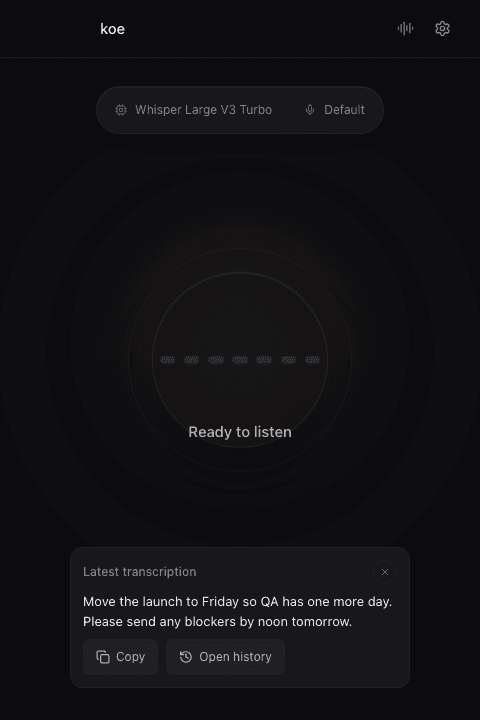
From thought to destination
One shortcut for the writing between everything else.
Koe pastes into the active text field, so the workflow stays inside your mail app, browser, chat, notes, or document.
Messages
Capture the point quickly for chat, support replies, and project updates.
Documents
Put a note, outline, brief, or longer passage on the page while the thought is moving.
Raw dictation
Keep the transcript untouched when exact wording matters. Transformations stay optional.
No new writing surface
Hold, speak, release. The text goes where your cursor is.
Set a global shortcut and use it across Mac apps. Koe shows when it is ready and recording, then transcribes and pastes after you release.
- Custom dictionary for names and recurring terms
- Selectable transcription model and language
- Automatic paste with clipboard restoration controls
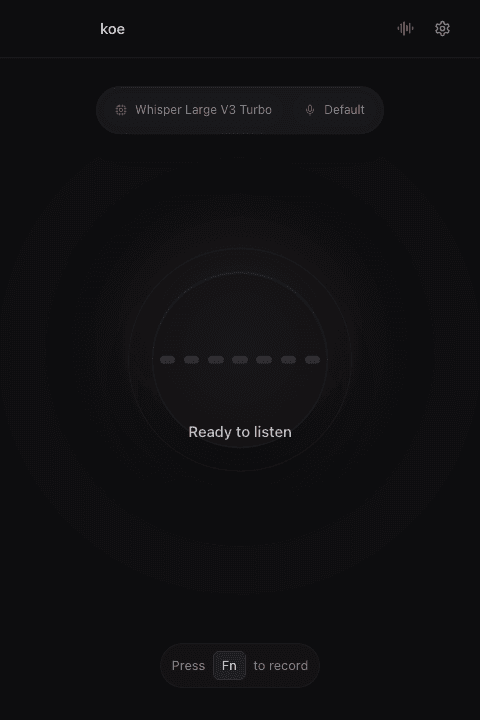
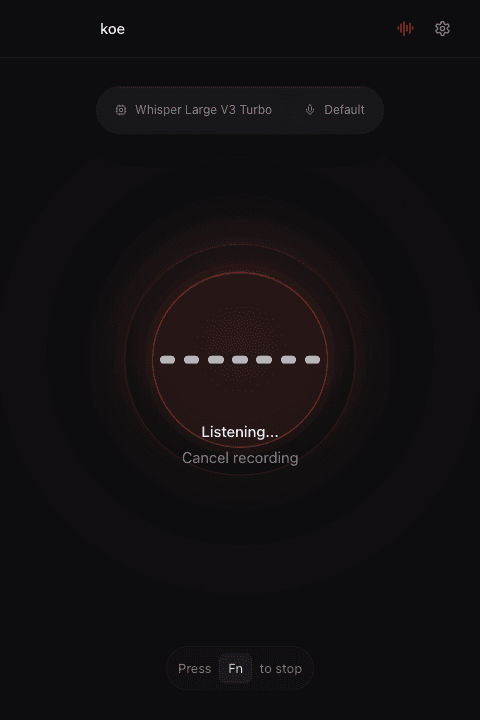
Choose what happens to the draft
Exact transcript when it matters. A cleaner draft when it helps.
Raw dictation preserves the transcript. Optional transformations can remove filler, format the result, translate it, or follow a prompt you configure.
Audio stays on your Mac. Works offline after the model download.
Audio goes directly from the app to the supported provider you configure. Koe is not in the request path.
Koe routes audio to the selected provider and manages transformations. No provider key setup is required. Pro is $9.99/month.
Start free
Local dictation is $0. Add managed AI only if you want it.
Free includes local dictation, global hotkey and paste, custom dictionary, your own provider keys, and hooks. Pro adds managed cloud transcription, cleanup, formatting, translation, and custom prompts.