Changelog
What's new
Only the changes about Settings, newest first.
Koe 2.2.7Latest
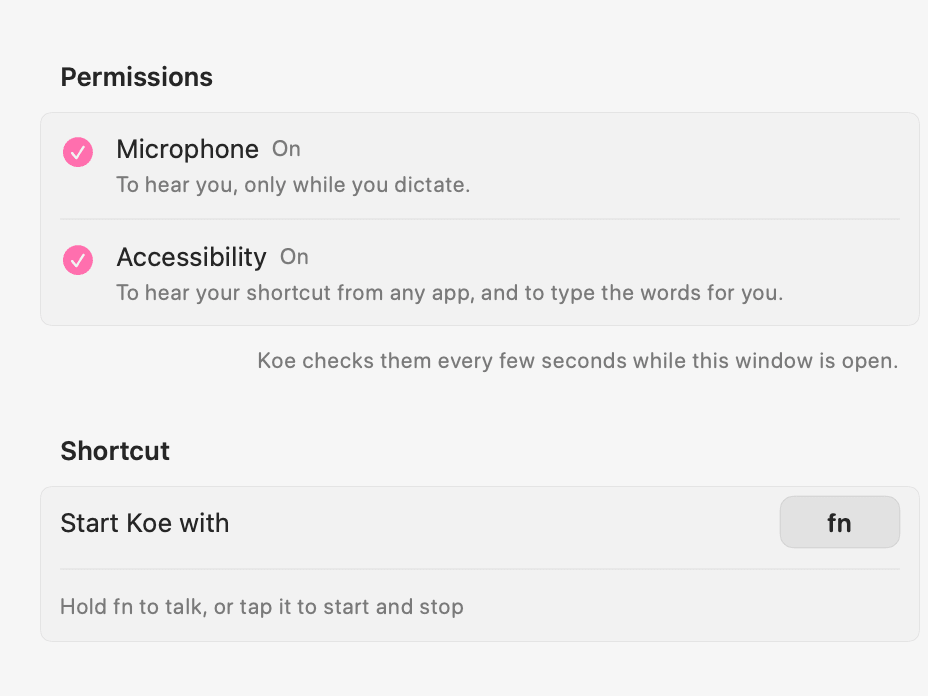
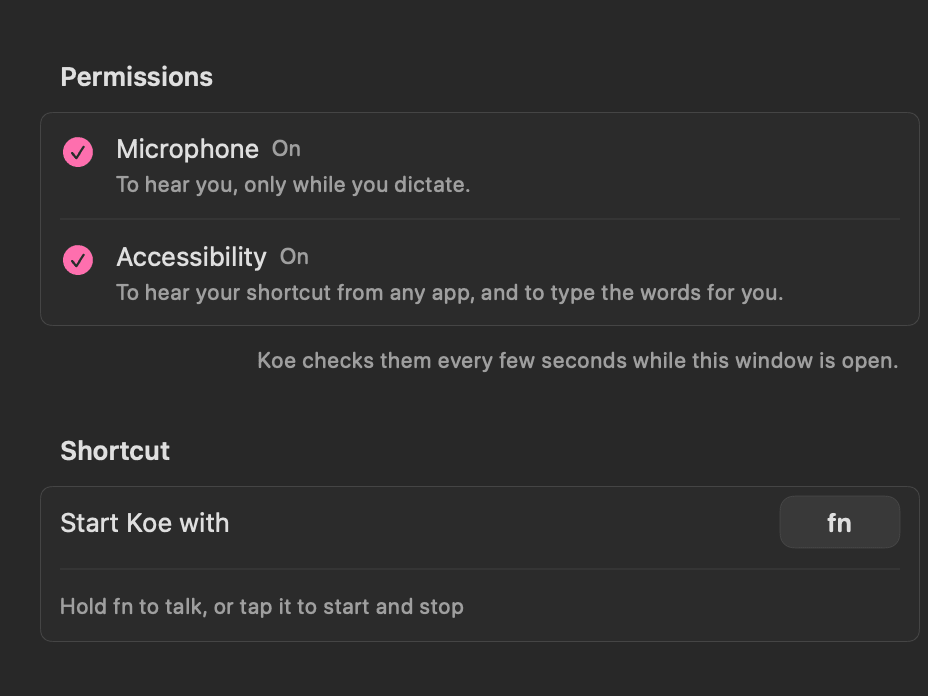
Permissions
Microphone and Accessibility, what each is for and whether it is on, always at the top of Settings.
Koe 2.2.5
- Settings, the welcome window and Koe's alerts now always come to the front. Before, they could open behind the app you were using, or stay behind it when you asked for them again. Settings Reliability
Koe 2.2.4
- If macOS asks you to approve Open at Login, Koe opens the right page in System Settings. Settings
Koe 2.2.3
Koe 2.2.2
- Clearer Settings: a narrower shortcut button, each switch with its explanation in one row, your dictionary as tags you remove with ✕, and How Koe works at the end. Settings
Koe 2.2.0
- A new menu: Return after typing, Polish and Sounds tick on and off right in it, and the menu stays open; Check for Updates answers in place; About Koe shows your version. It's narrower, with your last dictations on one line each and how long ago on the right. Settings
- Choose where the pill shows while you talk: Settings › Koe › Pill while you talk, at the bottom, top, left or right of the screen. Dictation Settings
- Smaller things: a thin scroll bar in Settings, and turning sounds off plays one last sound. Settings
Koe 2.1.1